
Integration Guide: Marketcall with Newsbreak
Follow these steps to seamlessly integrate Marketcall with the Newsbreak traffic source:
- Access Keitaro via Marketcall
- Obtain permission/access from your manager and ensure you have the necessary permissions to use the Keitaro tracking tool provided by Marketcall.
- Connect to the Newsbreak Traffic Source
- In Marketcall, gain access to the Newsbreak traffic source as well as the Newsbreak Landing Page group.
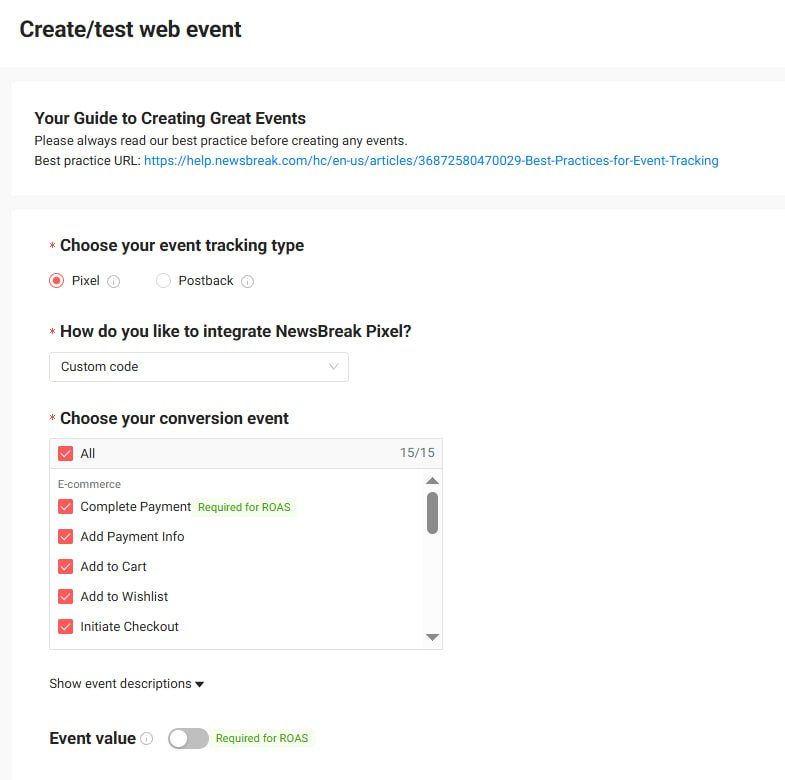
- Set Up a Web Event in Newsbreak
- Within your Newsbreak account, create a new web event to track user interactions and conversions.
- Create a Campaign in Keitaro
- In Keitaro, start a new campaign and select Newsbreak as the traffic source.
- Enter the required parameters:
- Now, create your second event:
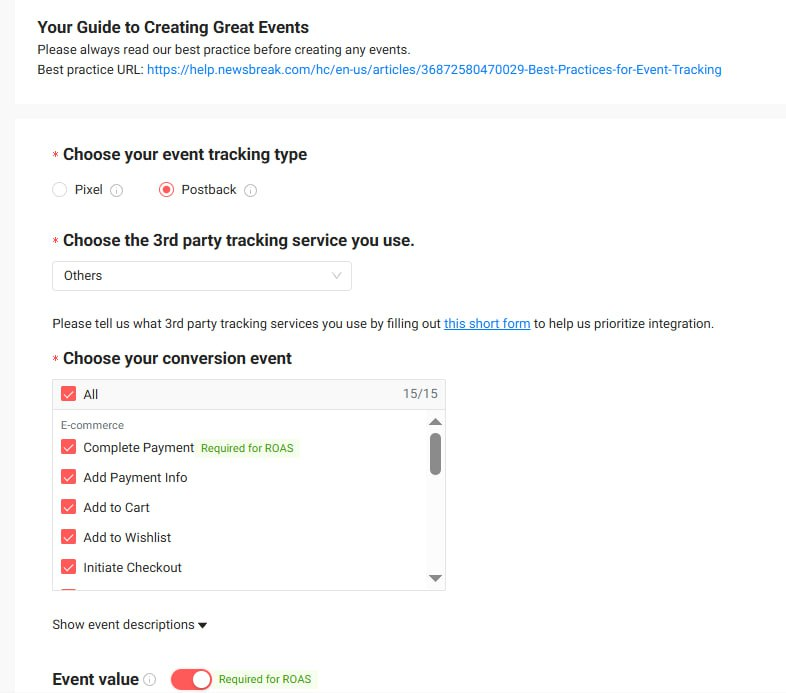
- To test postback event, please copy your Keitaro link and paste here:
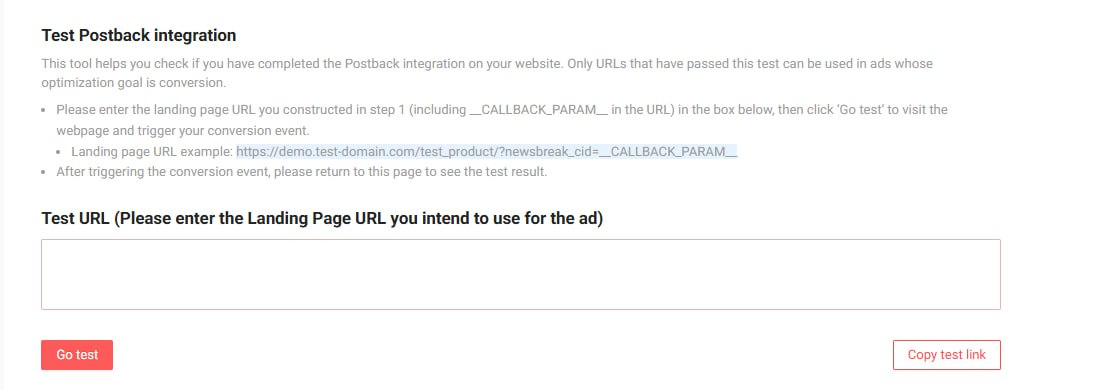
- Retrieve and Use the newsbreak_cid Value
- Copy the value of newsbreak_cid from the URL.
- Replace {newsbreak_cid} in the following link with the copied value and open it in your browser:
Additional Tips:
- Locate the Pixel ID: You can find your Pixel ID in the location shown in the highlighted section of the reference image or instructions provide
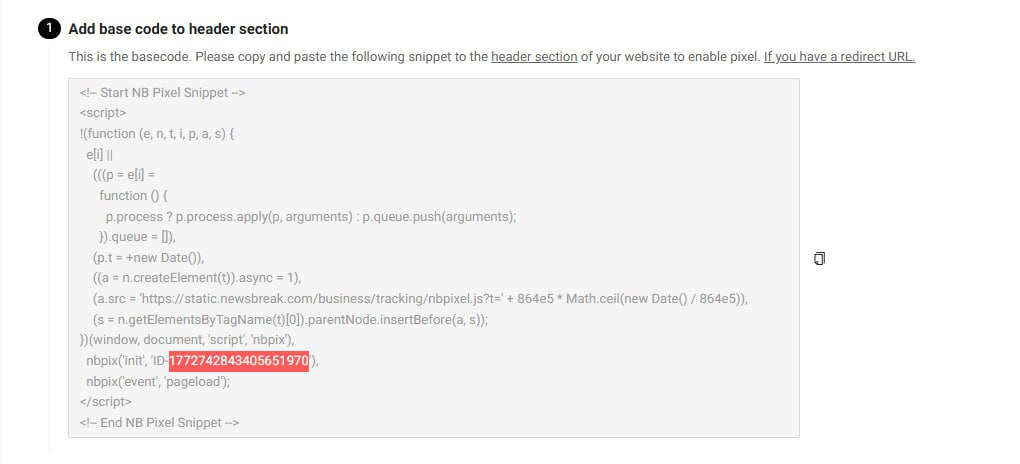
- Setup Verification:To verify pixel functionality, visit the landing page and click the Call button. This action should trigger the pixel event.

Was this article helpful?
Thanks — that helps us prioritise what to rewrite.
Sorry about that. Ask support directly and we’ll get you sorted.