
How to Use Dynamic Call Tracking Tool
- Go to this link:
https://www.marketcall.com/v2/affiliate/call-tracking/sites
- Press ‘’Add a site’’ button;
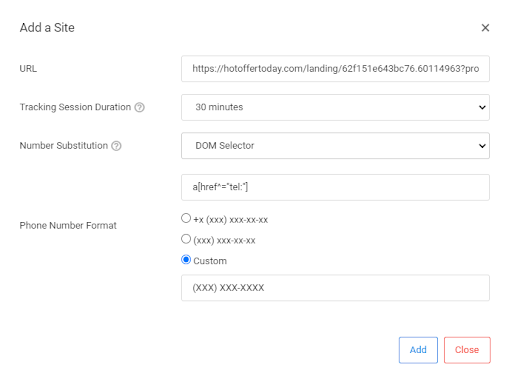
- Fill in the following information like on a picture below:
- Your landing page URL;
- Tracking session Duration (you can choose any of them, we usually choose ‘’30 minutes’’);
- Number Substitution ‘’DOM Selector’’ and ‘’ a[href^="tel:"] ‘’ ( you can choose another, depends on your landing page code);
- Phone Number Format Custom ‘’(XXX) XXX-XXXX’’ (you can choose other, it depends on your lPhone number format).
- Press “Add”;
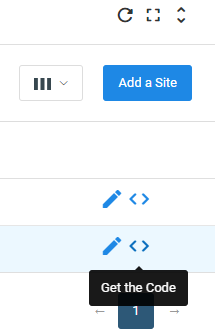
- Then press ‘’Get the code”;
- Choose an approved campaign (for which you want create a call tracking and with the landing page which was already approved);
- Get your codes below;
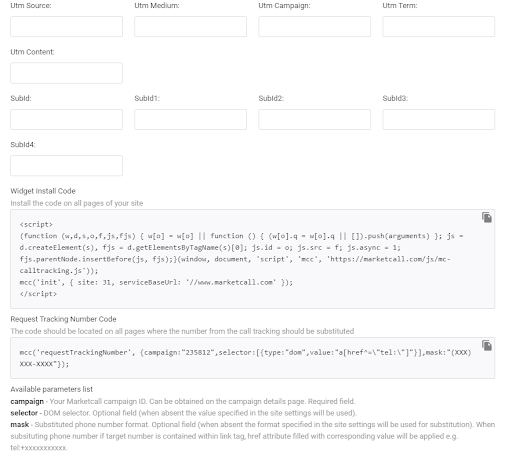
- Put both codes to your landing page code. You should put it before the </ head> part ending;

- Now it’s active.
How to check your calls in this dynamic call tracking tool.
- Go to this link:
https://www.marketcall.com/v2/affiliate/calls
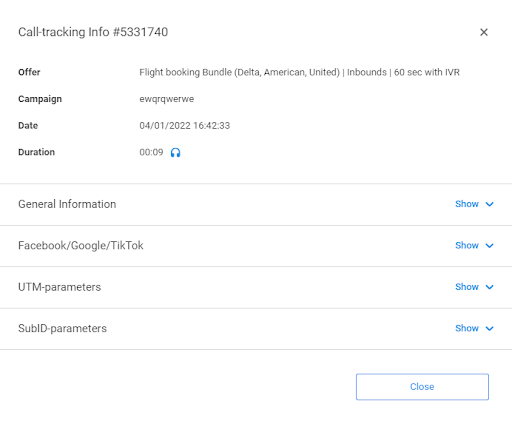
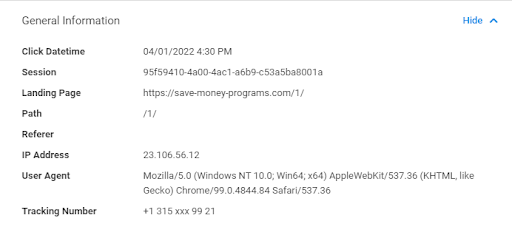
- Press on a ‘’Call Tracking Info” button, like on the screenshot below;

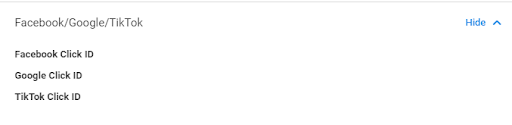
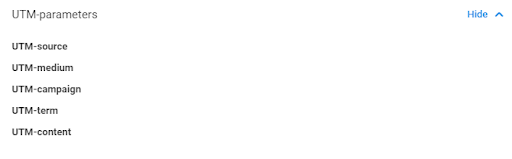
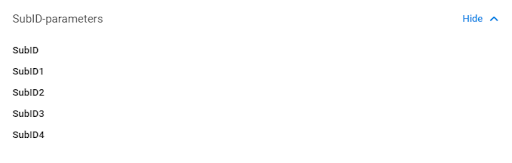
- Then you will see the full information.
Was this article helpful?
Thanks — that helps us prioritise what to rewrite.
Sorry about that. Ask support directly and we’ll get you sorted.