
Postback for Sale Events to Ringba from Marketcall
Affiliates can now send postbacks for calls that converted to sales, enabling better optimization and improved performance tracking. Here's a step-by-step guide to setting up postbacks for sale events between Ringba and Marketcall.
- Create URL parameters in Ringba
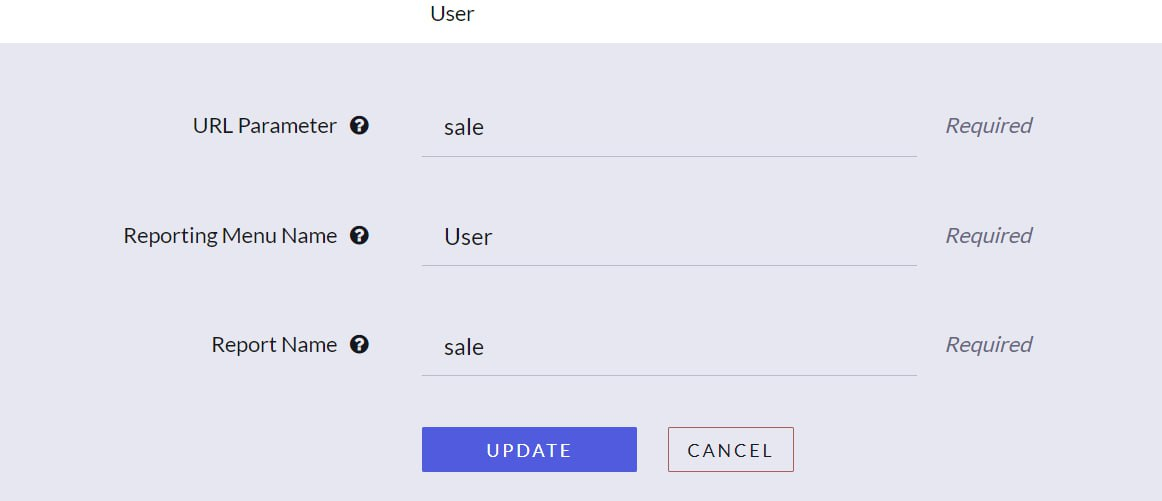
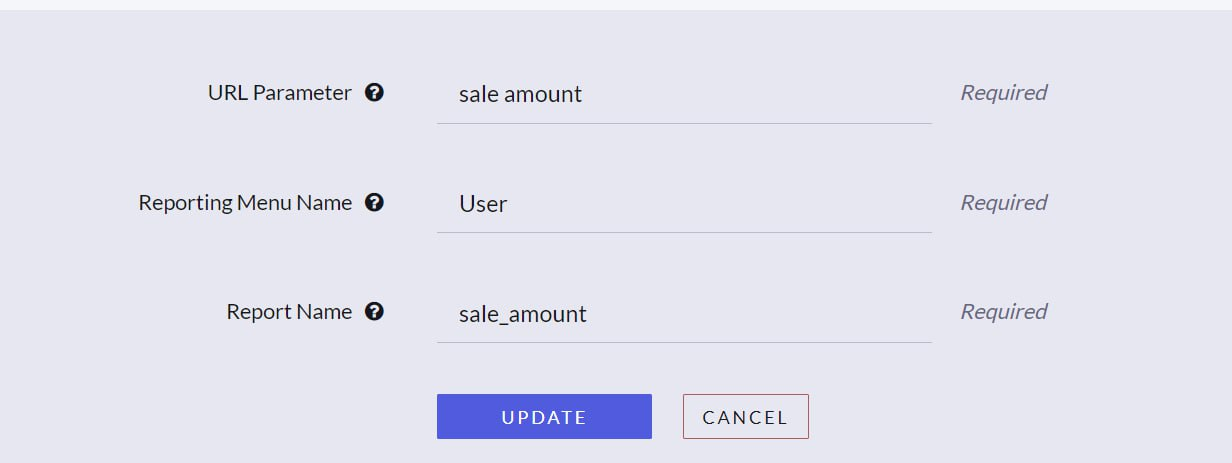

- Get the webhook from Ringba and Create Postback in Marketcall. Ensure the Trigger is set to Sale.
- Insert your Ringba webhook link and replace the section callid=[callUUID]&revenue=[conversionAmount] with the following URL parameters:
callid={ringba_uuid}&revenue={earn}&sale=yes&sale_amount={sale_amount}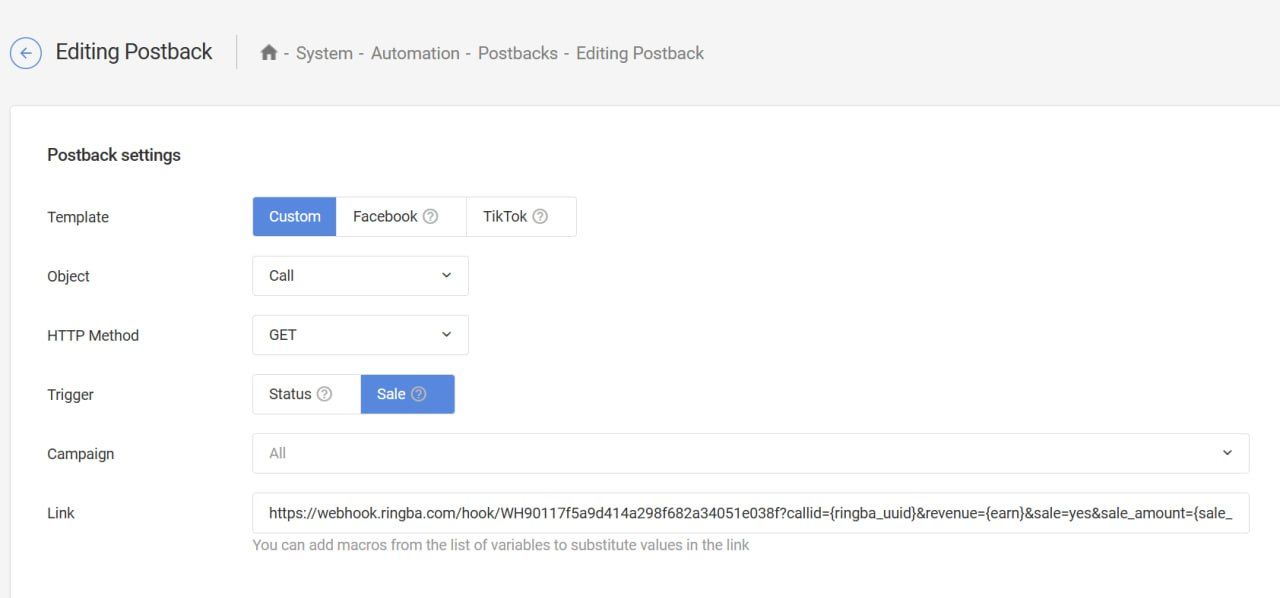
Note: In the case of debt settlement, the sale amount will be equal to the debt amount.
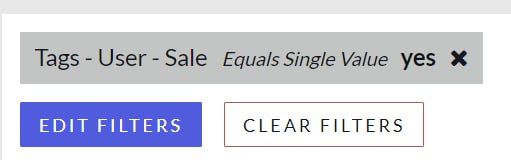
Finally, once sales occur, you (affiliate) will be able to filter them in his ringba.
Was this article helpful?
Thanks — that helps us prioritise what to rewrite.
Sorry about that. Ask support directly and we’ll get you sorted.